
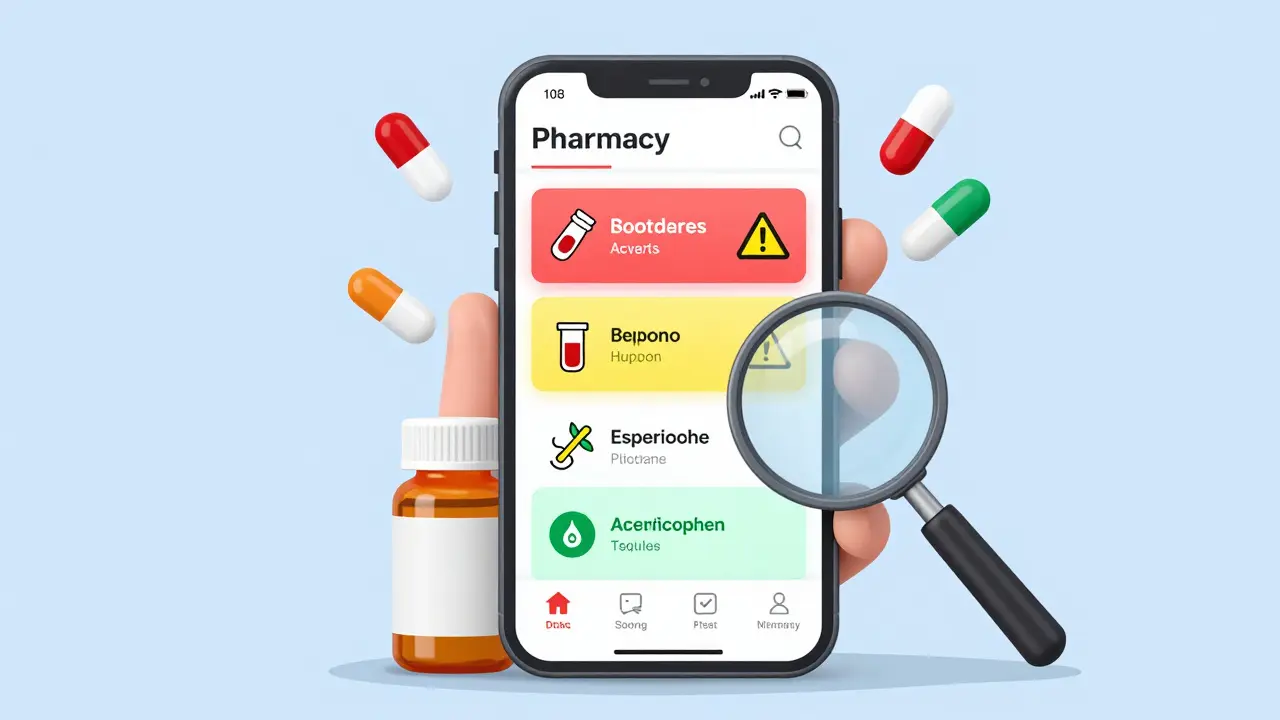
Every year, over 1.3 million people in the U.S. get hurt because of medication errors. Many of these mistakes happen because someone took two drugs that shouldn’t be mixed - like blood thinners with certain painkillers, or antidepressants with herbal supplements. It’s not always obvious. That’s where pharmacy apps come in. These tools aren’t just for doctors anymore. If you or someone you care for takes multiple medications, a good app can be the difference between staying safe and ending up in the hospital.
What Exactly Do These Apps Do?
Pharmacy apps for drug interactions scan your list of medications - prescriptions, over-the-counter pills, vitamins, even herbal teas - and flag anything dangerous. They don’t just say “warning.” They tell you how serious it is: contraindicated, major, moderate, or minor. Some even suggest what to do instead. For example, if you’re on warfarin and reach for ibuprofen, the app might say: “Avoid NSAIDs. Use acetaminophen instead.”
These apps pull from massive databases with over 6,000 drug monographs. That means they know how each drug works in your body, how it interacts with others, and what side effects to watch for. Some, like Lexicomp and Micromedex, store data right on your phone so they work even without Wi-Fi. Others, like Epocrates and Medscape, update in real time with new FDA alerts.
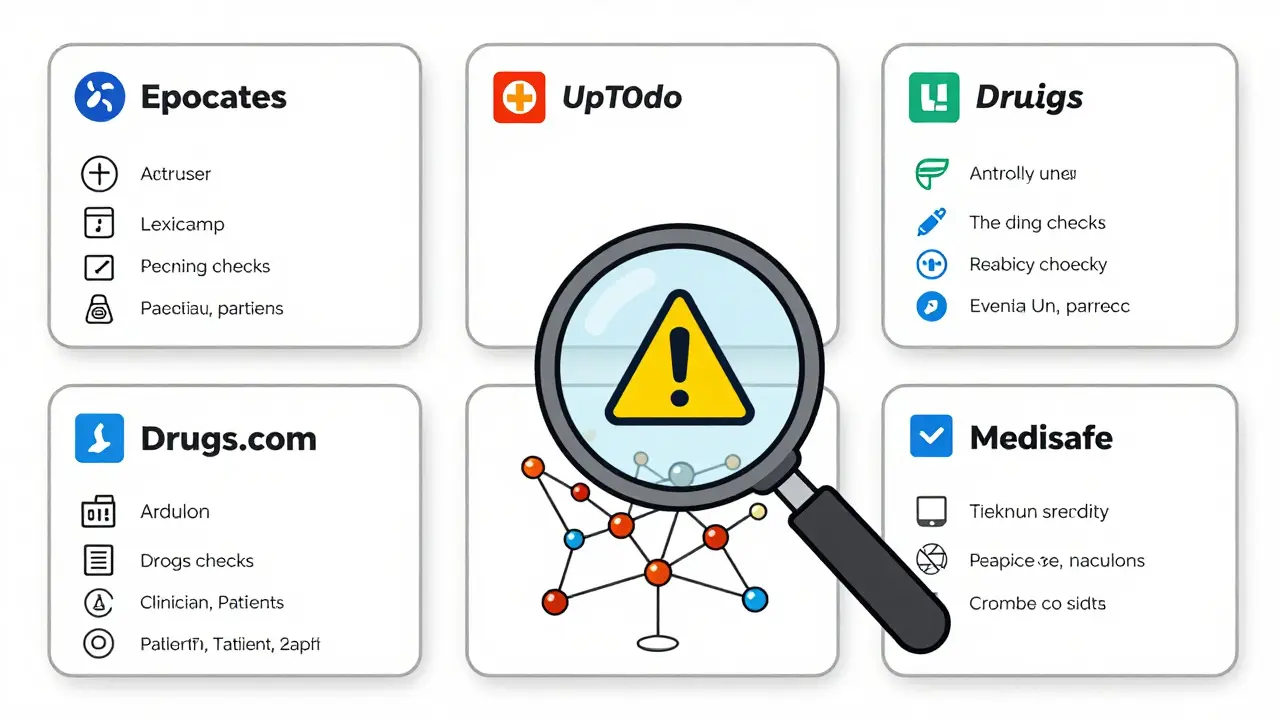
Top Apps for Checking Drug Interactions
Not all apps are created equal. Here’s what works best - and who they’re really for.
- Epocrates: Used by over a million healthcare pros. Free version lets you check up to 5 drugs at once. Premium ($49.99/month) unlocks checks for 30+ drugs, a pill scanner that works with 92% accuracy, and live pharmacist chat. Best for speed and ease of use.
- Lexicomp: The go-to in hospitals. Handles IV drugs, pharmacogenomics, and patient handouts. Costs $199/year. Steeper learning curve but unmatched depth. Ideal for pharmacists or anyone managing complex regimens.
- UpToDate: Tracks up to 50 medications at once. Unique feature: overdose protocols. If someone accidentally takes too much of a drug, this app tells you symptoms and treatment steps. Used mostly by doctors and hospitals ($499+/year).
- Drugs.com: Free, no sign-up needed. Checks interactions, has FDA alerts, and a clean A-Z drug guide. Downside? Ads pop up during checks. Still, it’s the most reliable free option for patients.
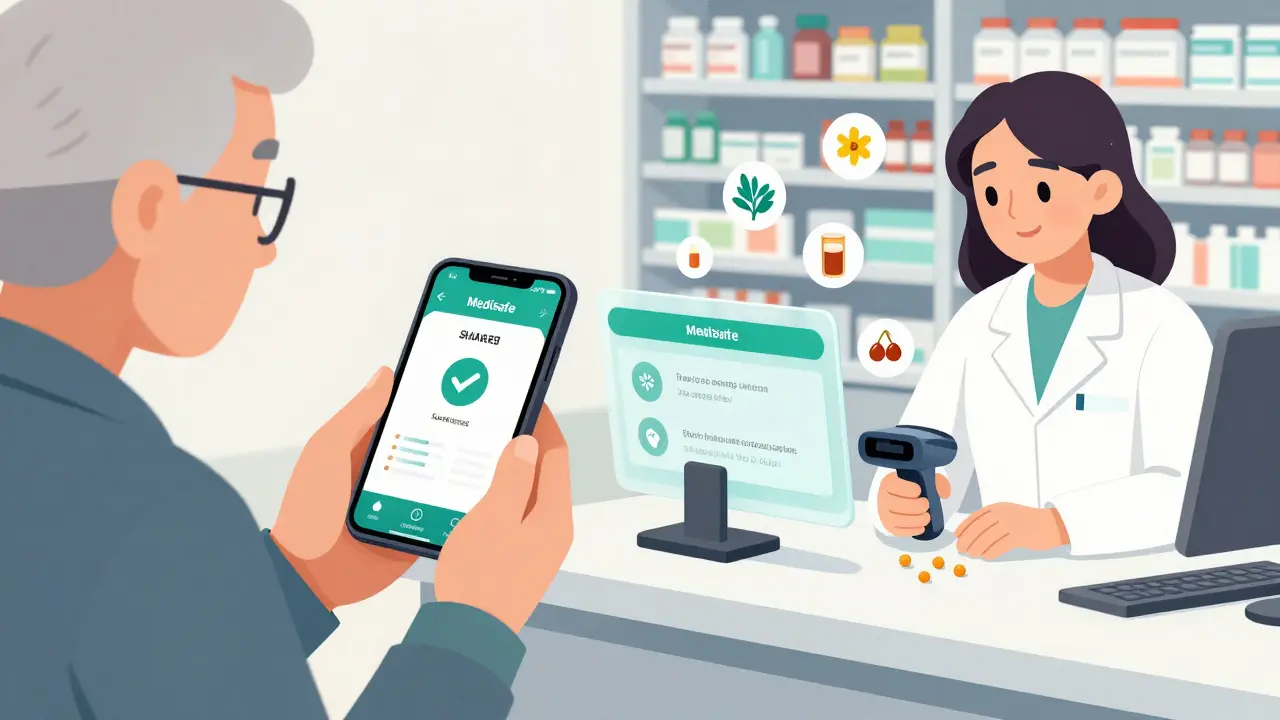
- Medisafe: Made for patients and caregivers. Lets you share your med list with family members. Great for seniors. But it simplifies warnings - sometimes too much. Don’t rely on it alone for high-risk meds.
Here’s how they compare:
| App | Max Drugs Checked | Offline Use? | Free Version? | Best For |
|---|---|---|---|---|
| Epocrates | 30+ | Yes (partial) | Yes (limited) | Quick checks, clinicians |
| Lexicomp | 50+ | Yes | No | Hospitals, complex cases |
| UpToDate | 50+ | Yes | No | Overdose response, research |
| Drugs.com | Unlimited | No | Yes | Patients, budget users |
| Medisafe | 20 | Yes | Yes | Seniors, caregivers |
How to Use These Apps Like a Pro
Just downloading an app isn’t enough. Here’s how to use it right:
- Add every medication. Don’t forget aspirin, melatonin, turmeric, or that ginseng tea you take daily. Supplements count. A 2023 study found 40% of dangerous interactions involved herbs or OTC drugs.
- Use the camera or barcode scanner. If you’re unsure what a pill is, snap a photo. Epocrates and the newer Pill Identifier app use AI to match color, shape, and imprint. Accuracy is over 90%.
- Check before you start anything new. Don’t wait until you feel weird. Always check before your doctor prescribes a new drug or you buy something at the pharmacy.
- Double-check high-risk combos. Blood thinners, diabetes meds, heart drugs, and antidepressants are the most dangerous when mixed. Use two apps if you’re unsure. Dr. Robert Johnson, author of Digital Tools in Pharmacy Practice, says: “Use Epocrates for speed, Micromedex for depth.”
- Document it. If you’re a patient, write down what the app said. If you’re a provider, note it in the chart. This protects you and helps future care teams.
What These Apps Can’t Do
They’re powerful - but not perfect.
First, they don’t know your full medical history. An app might miss that you have kidney disease or a history of falls. That changes how drugs affect you.
Second, severity ratings vary. A 2023 study in JAMA Internal Medicine found that for nearly 3 out of 10 drug pairs, apps disagreed on whether the interaction was “major” or “moderate.” Lexicomp and Micromedex were most consistent. Free apps like Medisafe or simple online checkers got it wrong up to 40% of the time.
Third, they can’t replace a pharmacist. If an app flags a conflict, don’t stop your meds. Call your pharmacist. They can help you adjust doses or find safer alternatives.
Why This Matters Right Now
More people are on multiple meds than ever. Nearly half of Americans over 65 take five or more drugs daily. That’s a recipe for problems. CMS has made it mandatory for Medicare Part D pharmacies to check for interactions since 2022. That’s why even small community pharmacies now use these tools.
Apps are also getting smarter. Epocrates now uses AI to predict interactions based on your age, weight, and other conditions. The FDA’s Drugs@FDA Express app now tracks new drug approvals in real time. And apps like mySeniorCareHub are built specifically for older adults - factoring in slower metabolism and kidney changes.
Bottom line: If you’re managing multiple medications - for yourself or someone else - you’re not just being careful. You’re using the right tools.
What to Do Next
Start today. Download one app - Drugs.com if you want free, Epocrates if you want professional depth. Add every pill, capsule, and supplement you take. Run a check. Then do it again when you add something new.
If you’re caring for an older parent, set up Medisafe and give yourself access. You’ll get alerts if they miss a dose - and warnings if their meds might clash.
Don’t wait for a bad reaction. Prevention is the only thing that works every time.
Can I trust free pharmacy apps for drug interactions?
Free apps like Drugs.com are reliable for basic checks and are better than nothing. But they often miss interactions involving supplements, herbs, or rare drugs. Professional apps like Lexicomp or Epocrates identify 98% of serious interactions; free ones catch only 60-70%. Use free apps for quick checks, but verify high-risk combos with a paid tool or pharmacist.
Do pharmacy apps work without internet?
Yes - but only some. Lexicomp, Micromedex, and Epocrates (with premium) let you download databases for offline use. This is critical in emergencies or areas with poor signal. Apps like Drugs.com require internet. Always check the app’s settings to enable offline mode before you need it.
Can these apps check interactions between my meds and food or alcohol?
Most professional apps do. For example, Epocrates and Lexicomp warn you if grapefruit affects your blood pressure med, or if alcohol increases drowsiness with your painkiller. Drugs.com includes this too. But patient apps like Medisafe often skip food interactions. Always look for a "food" or "alcohol" tab in the drug monograph.
What if my doctor says a combination is fine but the app warns me?
Always bring it up with your doctor or pharmacist. Doctors sometimes prescribe risky combos intentionally - like using two blood thinners temporarily after surgery. But if the app flags it, you’re right to ask: "Why is this safe for me?" Don’t assume your provider knows every interaction. Use the app as a conversation starter, not a replacement.
Are there apps that work with my EHR or pharmacy system?
Yes - but mostly in hospitals. Lexicomp and Micromedex integrate with major EHRs like Epic and Cerner. For patients, apps like Medisafe and MyTherapy can sync with some pharmacy systems. If you’re using a hospital pharmacy, ask if they recommend a specific app. Outside hospitals, most consumer apps still work independently.
How often should I update my med list in the app?
Every time you start, stop, or change a dose - even if it’s just a new OTC painkiller or a vitamin. Most people update their lists monthly, but that’s too late. Set a reminder to check your app every time you refill a prescription. It takes 30 seconds and could prevent a hospital visit.
Final Thought
Drug interactions don’t always cause immediate harm. Sometimes, the damage builds slowly - higher blood pressure, kidney strain, confusion. By the time you notice, it’s too late. These apps give you real-time protection. You don’t need to be a doctor to use them. You just need to care enough to check.
veronica guillen giles
January 1, 2026 AT 17:26Okay but let’s be real - if you’re using Drugs.com because it’s free, you’re basically playing Russian roulette with your grandma’s heart meds. I’ve seen patients get flagged for ‘moderate’ interactions that were literally life-threatening. If you’re on more than three drugs, spend the $50. Your kidneys will thank you. And no, ‘turmeric tea’ isn’t harmless - it’s a blood thinner in disguise.
Tru Vista
January 3, 2026 AT 09:09Epocrates is overrated. The free version limits you to 5 drugs? That’s a joke. I checked my 12 med list and it crashed. Also, the pill scanner misidentified my metformin as a Xanax. Twice. Don’t trust tech. Talk to your pharmacist. They’re paid to know this stuff.
Ian Ring
January 4, 2026 AT 05:39Interesting piece - really well-structured. I’d only add: many apps don’t account for polypharmacy in elderly patients with renal impairment. The dosing adjustments aren’t always reflected in interaction flags. Also, offline mode isn’t always reliable - I’ve seen Lexicomp freeze mid-check during a home visit. Always have a printed reference handy. Just saying.
Lori Jackson
January 6, 2026 AT 02:39Let me just say this: anyone who uses Medisafe as their primary interaction checker is either dangerously naive or actively neglecting their loved ones. It’s a glorified pill reminder with the clinical depth of a TikTok trend. I’ve seen it miss interactions between warfarin and St. John’s Wort - a combo that’s been documented since 1998. This isn’t ‘tech for seniors’ - it’s corporate laziness wrapped in pastel UI.
If you’re caring for an elderly parent and you’re relying on an app that simplifies warnings, you’re not being a caregiver - you’re being a liability. And yes, I’ve filed complaints about this exact thing with the FDA.
erica yabut
January 6, 2026 AT 10:07Ugh. Free apps? Please. It’s like using a spoon to dig a tunnel under the Pacific. Drugs.com? Cute. It’s got ads popping up like a pop-up casino. And don’t get me started on ‘patient-friendly’ interfaces - they’re designed to make you feel safe while quietly omitting the most lethal interactions. I once saw a ‘minor’ flag for ciprofloxacin + NSAIDs… that combo causes tendon rupture. Minor? In what universe? This isn’t ‘accessible’ - it’s predatory.
Professional apps aren’t expensive - they’re a life insurance policy. And if you think your doctor knows every interaction? Honey, they’re running on caffeine and 3 minutes per patient. You’re the only one who’s actually reading the fine print.
Vincent Sunio
January 7, 2026 AT 11:06The assertion that Epocrates is ‘best for speed’ is empirically inaccurate. Lexicomp’s algorithmic weighting system - grounded in the AHFS Drug Information database - provides superior risk stratification. Moreover, the claim that ‘92% accuracy’ is achievable via pill scanning is misleading; the FDA’s 2023 audit of AI-based pill recognition tools demonstrated a 12% false-positive rate in geriatric populations. Furthermore, the omission of pharmacogenomic interactions in non-professional tools constitutes a critical clinical gap. This article is dangerously oversimplified.
JUNE OHM
January 8, 2026 AT 13:21THEY’RE WATCHING YOU. 😈
These apps? They’re not just checking your meds - they’re feeding your data to Big Pharma so they can raise prices. I saw a report - I won’t link it because it’s ‘classified’ - but they use your interaction history to target you with new prescriptions. That’s why they push you to ‘update your list’ constantly. It’s not for safety - it’s for profit. And don’t get me started on the ‘FDA alerts’ - half of them are planted by lobbyists. Use paper. Write it down. Burn the phone.
Philip Leth
January 9, 2026 AT 20:42Yo, I’m from the South - we don’t have fancy apps. My grandma takes 8 pills, drinks grapefruit juice, and still mows her lawn at 82. She just calls the pharmacist every time she gets a new script. That’s it. No barcode scans. No AI. Just a human who knows her name and her blood pressure. Maybe we don’t need all this tech. Maybe we just need people who care enough to pick up the phone.
Tiffany Channell
January 11, 2026 AT 19:14Every single app listed here is a corporate Trojan horse. Lexicomp? Owned by IBM. Epocrates? Bought by AstraZeneca. Even Drugs.com is funded by pharma ads. They don’t want you to avoid interactions - they want you to take MORE drugs to ‘manage’ the side effects. The real solution? Stop taking pills. Eat real food. Move. But no - the system needs you dependent. This isn’t safety. It’s control.
Hank Pannell
January 12, 2026 AT 19:46There’s a deeper layer here: these apps assume you’re literate, digitally fluent, and have consistent access to tech. What about the 78-year-old with arthritis who can’t tap a screen? Or the undocumented immigrant who can’t afford premium apps? The real failure isn’t the tech - it’s the system that leaves vulnerable people to fend for themselves with a 2023 app designed for clinicians. We’re optimizing for efficiency, not equity. And that’s not innovation - it’s abandonment.
Maybe the question isn’t ‘which app?’ but ‘who gets to be safe?’
Wren Hamley
January 13, 2026 AT 08:37My uncle took a beta-blocker and then ate a grapefruit. The app didn’t flag it. The pharmacist did. Because she remembered his name. Tech’s great - but it doesn’t remember your dog’s name, your kid’s birthday, or that you hate the color blue. The best interaction checker? A pharmacist who looks you in the eye and says, ‘Let’s talk.’
Angela Goree
January 14, 2026 AT 10:45Wait - you’re telling me I need to pay $200/year to not die from my own meds? And Drugs.com has ads? That’s insane. I’m downloading Lexicomp. But I’m also printing out every interaction report and stapling it to my fridge. If I’m gonna spend that much, I’m making sure my whole family knows what’s in my pills. And if my kid tries to take my blood pressure med? Let ‘em read the warning first.
Shanahan Crowell
January 16, 2026 AT 09:42Love this breakdown - seriously. I’ve been using Epocrates for years as a nurse, and it’s saved me more times than I can count. But here’s the thing: the real hero isn’t the app. It’s the person who takes 30 seconds to double-check before they hand someone a new script. Whether you’re a patient, a caregiver, or a provider - your attention is the most powerful tool here. Don’t outsource your care. Just use the tools to sharpen it. You got this.